English
What rise-origin is
rise-origin is a GPU multiphysics engine for soft bodies, rigid bodies and fluids. It runs on one device, and it is the single-device edition of RISE. Its geometry is voxels today.
You describe a world in Python with rise_origin.rsc. The engine builds GPU buffers from that description and steps the world with CUDA kernels. Your program holds a handle, and it reads the running world and changes it through that handle.
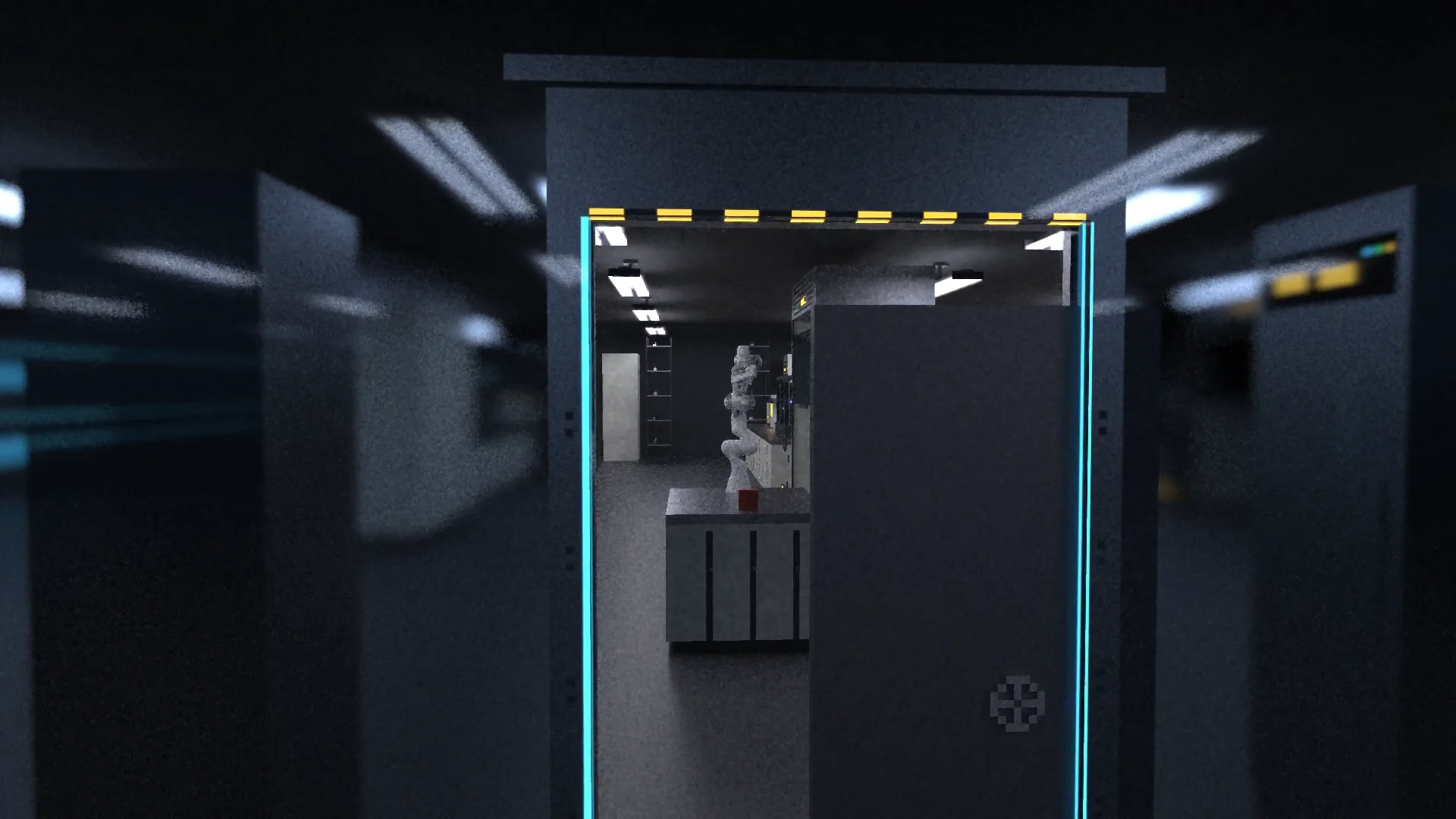
Why the engine exists
rise-origin exists for research on bodies, perception and behavior. Soft tissue, rigid skeletons, the ground under them and the light a sensor receives all sit in one scene, so a body you generate can move, touch and see with no conversion step. Research published on the engine includes Endoskeletal (ICLR 2025) and ECo-MoE (ICML 2026).
Core concepts
A world and the program around it use five concepts:
- A world is the thing that runs. It holds structures, materials, lights, sensors and the time step.
- A characterization is the description of a world, built with
rise_origin.rsc. It holds no device memory and runs no physics. - A voxel structure is one
StructureVoxel: bodies made of voxels, joined by constraints. A material decides whether a body is rigid, soft or fixed. - A handle is what a program holds to read and change a running world, on the same machine or over the network.
- A module is a pure function under a versioned name. The create layer calls it with settings and a seed, and it returns content such as a tree or a rock.
What the engine does and what stays with you
The engine does these parts of the work:
| Part | What the engine does |
|---|---|
| Import | Voxelizes meshes, and imports URDF and MJCF robots with their joints and limits. |
| Physics | Steps rigid and soft bodies, hinges, motors and contact on the GPU. |
| Light | Path-traces cameras, with SVGF denoising, and fills depth and other channels for sensors. |
| Output | Writes video and HDF5 records. |
| Access | Applies changes to a running world, serves a world over the network, and hosts an MCP server for an AI client. |
These parts stay with you:
| Part | What you choose |
|---|---|
| Scale | The voxel size, and how many voxels fit your GPU memory. |
| Stability | The time step and the stiffness of soft materials. The time step shrinks as voxels get smaller and stiffer. |
| Bodies | The size of each rigid body. A rigid body under about 30 voxels stalls or jitters, so merge it into its parent. |
| Control | The signals your program sends each control step, such as a joint target. |
Find your page
| You want to | Read |
|---|---|
| See a world on your screen in one sitting | Quick start |
| Find a scene close to what you want to build | Examples |